Who it's for
Built for the way your operation runs
One engine underneath. Three ways to run it, depending on how many rooftops you answer for.

Dealers
Your specials page, current without anyone touching it. Offers match what's on the lot, disclaimers write themselves, and expired programs leave on their own.
- Set-and-forget sync
- Demo before you go live
- Works on your website platform
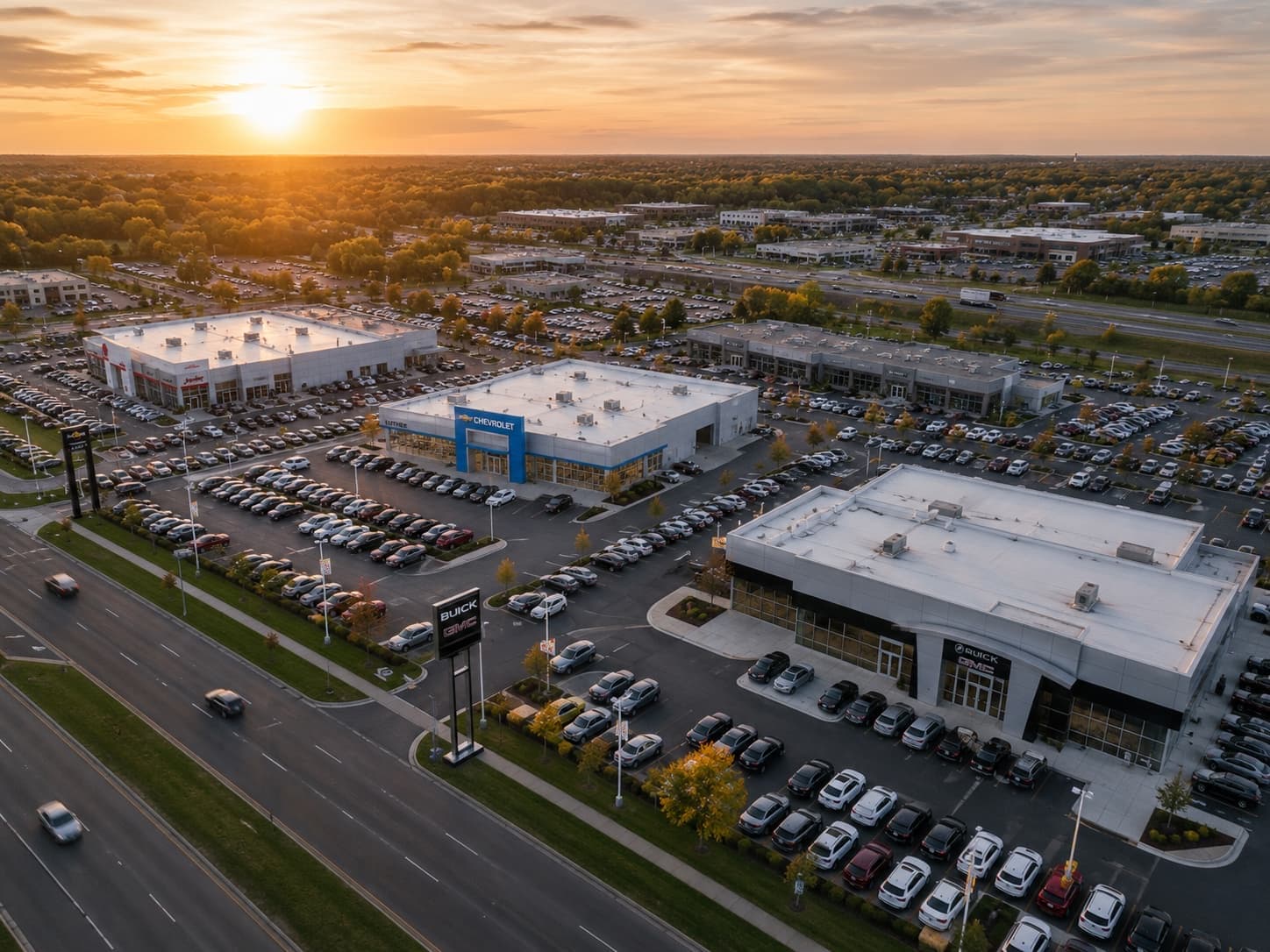
Dealer groups
Every rooftop in one dashboard. Sync all stores at once, keep per-store brand and fees, and see which store needs attention at a glance.
- One dashboard, every store
- Per-store settings
- Full build history

Agencies
Run offers for every client without the spreadsheet. Each dealer's brand rides along in their feed, and each gets a Google Sheet you can report from.
- All clients, one login
- Client-branded output
- Demo links that close
Questions
Frequently asked questions
Which DealerCentives setup fits a single dealership?
The dealer setup: we carry the OEM incentive data, you approve one inventory-feed request from your IMS, and your specials page maintains itself. You can still create your own offers anytime — they publish instantly.
What does DealerCentives look like for a dealer group?
Every rooftop in one dashboard with per-store feeds, branding, and fees. Sync all stores in one action, give store managers scoped access, and keep a full audit history per build.
Can marketing agencies run DealerCentives for their dealer clients?
Yes — agencies manage the whole client roster from one login. Output is client-branded, each dealer gets a reporting Google Sheet, and prospect demo pages take minutes to spin up.
Is it the same engine for dealers, groups, and agencies?
Yes. One engine matches OEM offers to live inventory, writes disclaimers, and publishes everywhere. The three setups differ only in how many rooftops you answer for and who gets access.